Skip to content
🎄✨🎄FREE Shipping🎄✨🎄
🎄✨🎄Bundle deals🎄✨🎄
🎄✨🎄FREE Shipping🎄✨🎄
🎄✨🎄Bundle deals🎄✨🎄
🎄✨🎄FREE Shipping🎄✨🎄
🎄✨🎄Bundle deals🎄✨🎄
🎄✨🎄FREE Shipping🎄✨🎄
🎄✨🎄Bundle deals🎄✨🎄
🎄✨🎄FREE Shipping🎄✨🎄
🎄✨🎄Bundle deals🎄✨🎄
🎄✨🎄FREE Shipping🎄✨🎄
🎄✨🎄Bundle deals🎄✨🎄

LumiOrb™

LumiOrb™

NEW: 2026's **Must-Have**

£74.99 £224.97
67% off | Save £149.98
  • Cherished Memories
  • Unique Gift
  • Vibrant Display
  • Emotional Connection
Color: A


Memory Size: 4GB

Quantity :

Subtotal: £74.99

1
  • American Express
  • Mastercard
  • PayPal
  • Shop Pay
  • SOFORT
  • Union Pay
  • Visa

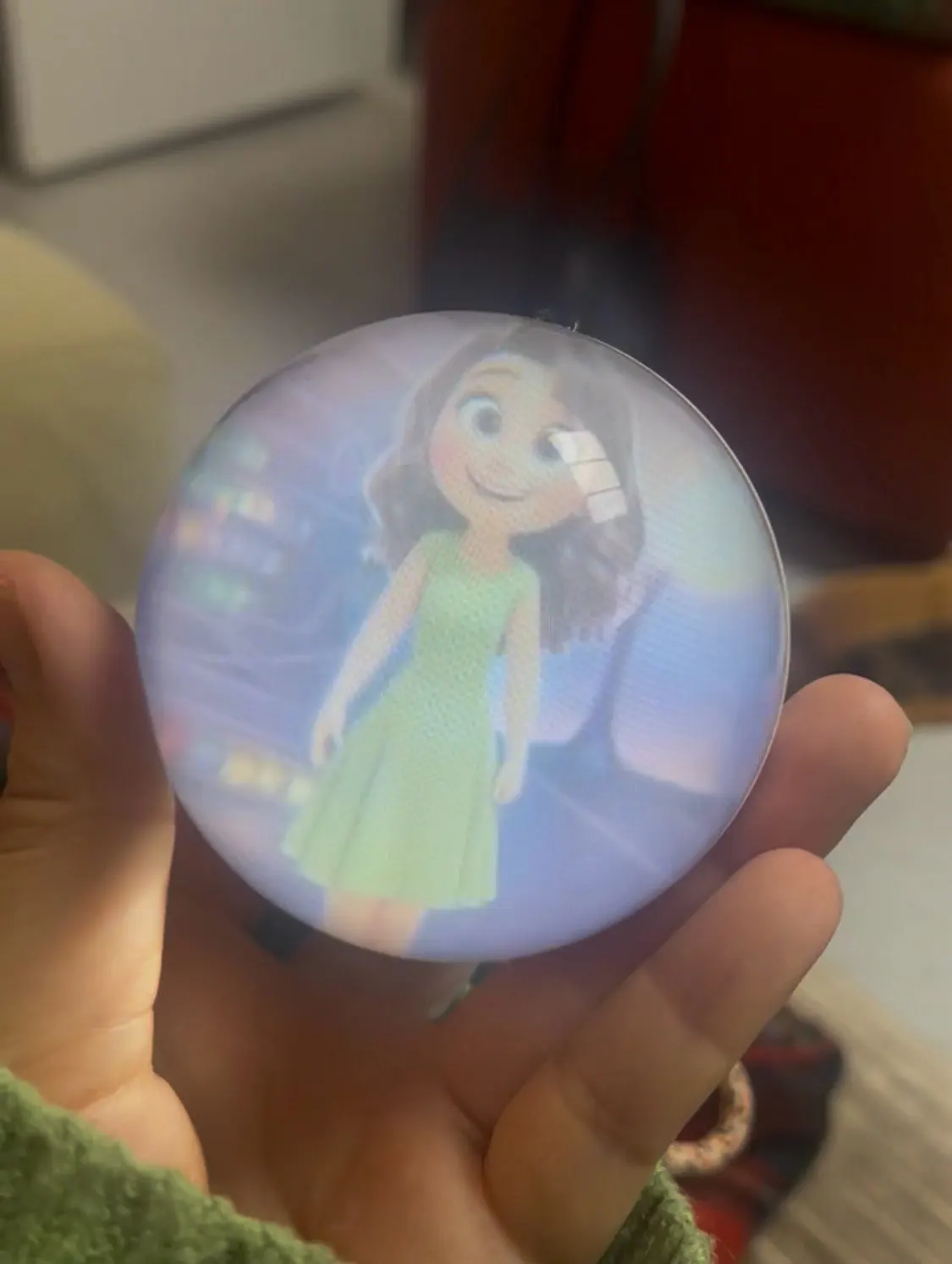
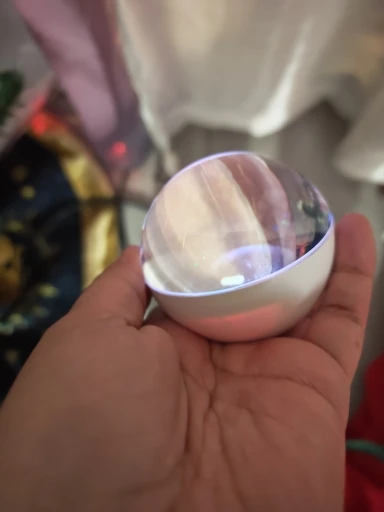
Experience stunning 3D visuals that seem to float beyond the screen. With 360° surround sound and personalized playback, the Magic Crystal Ball lets you relive your favourite moments in a whole new way.

Import your own videos, photos, and music to create a unique 3D memory display. Simply connect to your computer via USB, transfer your files, and enjoy an immersive audio-visual experience anytime.

Features:


-Vivid 3D visuals inside a crystal-clear sphere

-360° surround sound with adjustable volume

-Easy file transfer via USB

-Supports MP4 videos, MP3 music & JPG images

-Built-in 4GB memory

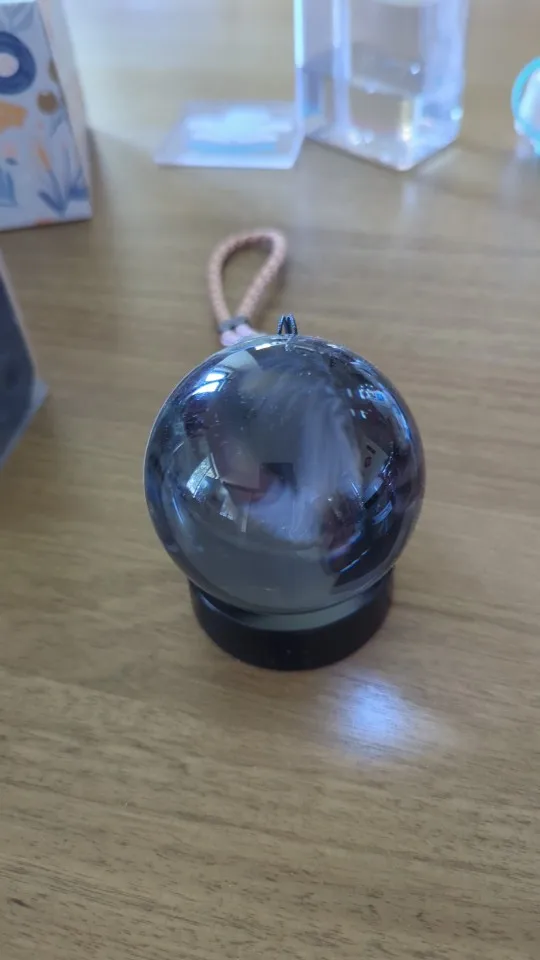
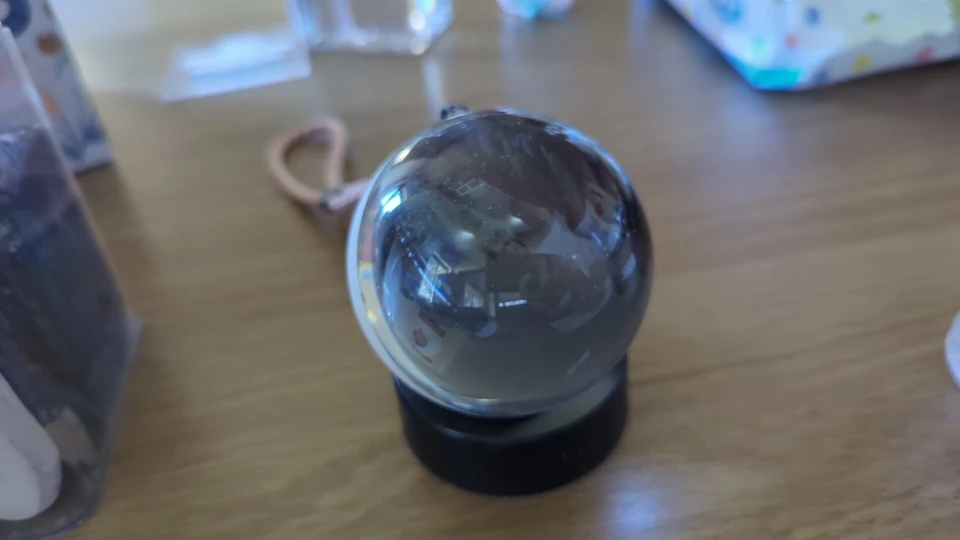
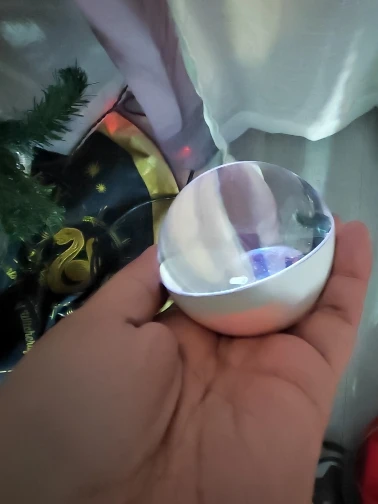
-Compact 70mm design

Specs:


-Resolution: 480 × 480

-Battery: 800mAh (2–4 hours)

-Material: ABS plastic + glass

Note: Videos must be converted to MP4 and photos to JPG before upload.

How to use:
By holding the button in the back you switch it on , by pressing it once you can pause the video,by pressing left or right you change the videos and by holding to the left or right you control the volume.As simple as that.

We offer Free Shipping on all orders! Please allow 1-3 Business Days for us to process and ship your order.
Estimated Arrival Time: 7-12 business days.

View full details
What if your favorite memories could glow, float, and come alive right in front of you?The Lumiorb isn’t just a device—it’s a tiny world where your most precious moments live forever. Imagine seeing your child’s smile shimmer inside the sphere…A vacation sunset gently rotating in warm 3D light…Your pet’s face floating like a star in its own little universe…Or a message from someone you love, glowing softly in your home.
Cherished Memories Forever
Thoughtful Gift Choice
Effortless Memory Display
Cherished Memories Forever
Thoughtful Gift Choice
Effortless Memory Display
Cherished Memories Forever
Thoughtful Gift Choice
Effortless Memory Display
Cherished Memories Forever
Thoughtful Gift Choice
Effortless Memory Display
Cherished Memories Forever
Thoughtful Gift Choice
Effortless Memory Display
Cherished Memories Forever
Thoughtful Gift Choice
Effortless Memory Display

How to Convert Your Video for the Lumiorb Display- 1. Download the Converter Program Visit Leawo.com. Download the video converter program exactly as shown in the video. 2. Open the Program and Start a New Conversion Launch the Leawo converter. Click Convert (same as shown in the video). 3. Adjust the Video Settings Make sure your settings match what is shown in the tutorial: Video Quality: Best Audio Quality: Best Resolution: Manually enter 480 x 480Audio Format: MP3Click OK to save your settings. 4. Remove the Black Bars Click the edit/crop icon (shown in the video).Go to Crop. Select Full Screen to remove any black edges from the sides of the video. 5. Convert the Video Press Convert. When prompted, click Agree. Wait for the conversion to finish. 6. Connect Your Lumiorb Use the included USB cable to connect your Lumiorb to your computer. Hold the button on the back of the Lumiorb until the folder screen appears on your device. 7. Transfer the Converted Video Open your computer’s Leawo output folder (your converted videos are saved here).Copy your converted video file. Paste or drag it into the Lumiorb device folder.Once the transfer is complete, your Lumiorb is ready to play your video!